How to run client approvals without the group chat
Most approval problems are not about people. They come from feedback living in too many places. Put the draft, the comments and the decision in one place and most of the back-and-forth disappears.
Where approvals usually go wrong
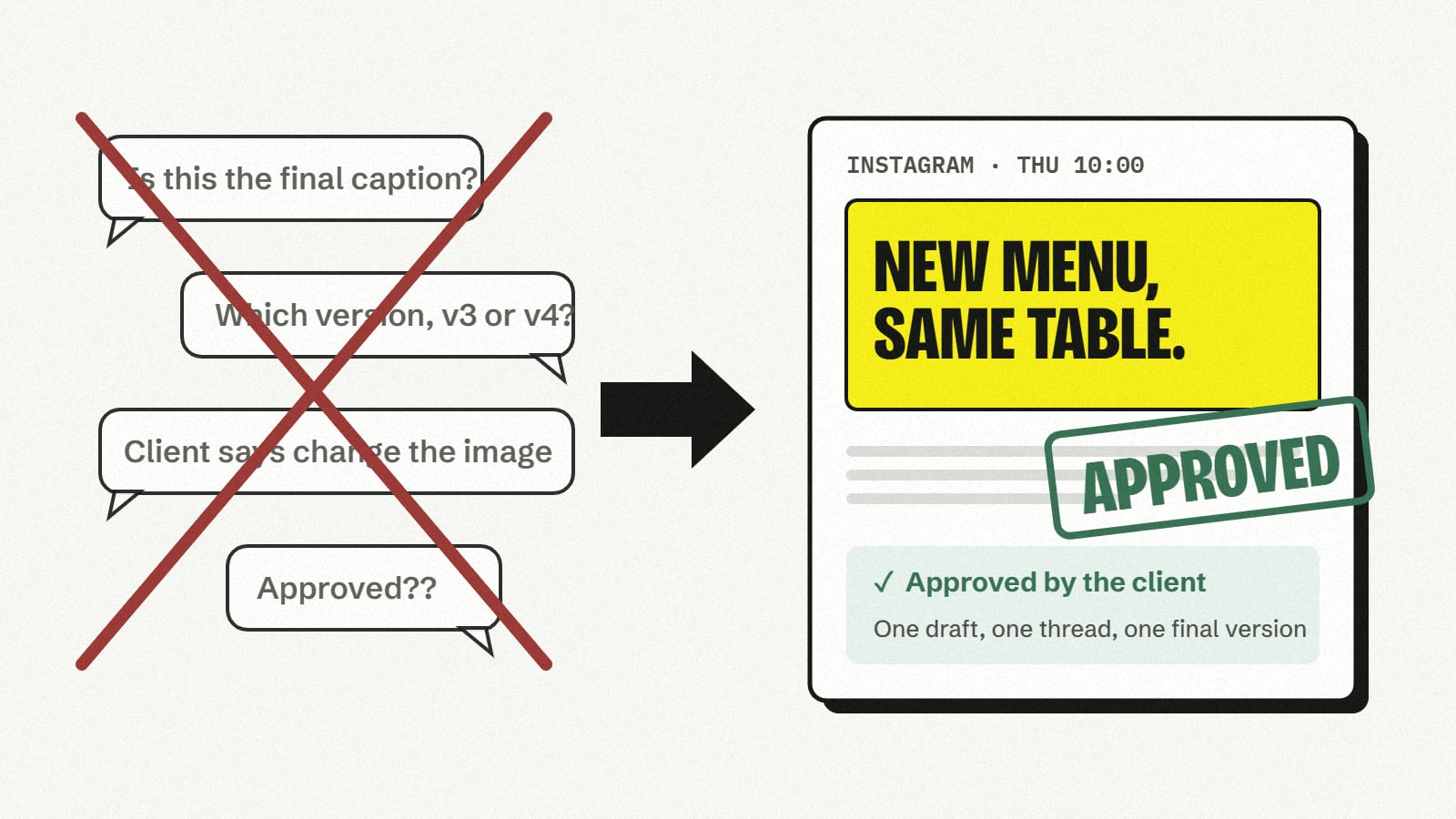
- Several versions in circulation. A caption is edited in a document, a screenshot is sent in chat, and a third version is pasted into the scheduler.
- Feedback without context. “Can we change the second line?” arrives a day later, and nobody is sure which draft it refers to.
- No clear owner. Everyone can comment, but nobody is named as the person who says yes.
- Approved, then changed. A small edit after sign-off means the post that goes out is not the one the client approved.
A simple process that works
- Write the draft in one place. Caption, media and channels together, so the reviewer sees the post as it will appear.
- Name the reviewer. Decide who must approve posts for each brand before work starts, not when the post is due.
- Send it for review once it is ready. Not while it is still changing. The reviewer then sees one finished version.
- Keep feedback on the draft. Comments belong next to the version they are about, not in a separate chat.
- Make changes as a new revision. When the reviewer asks for changes, update the post and send it again. Earlier comments stay attached to the earlier revision.
- Lock what was approved. Once a revision is approved, it should not change. Any further edit becomes a new revision that needs approval again.
- Schedule only approved posts. The calendar then shows only work that has been signed off.
How Growdex handles it
Growdex is built around this process. A draft is sent for review, the reviewer either approves it or asks for changes, and every change creates a numbered revision, so everyone can see which version a comment or an approval belongs to.
For each brand you can name required reviewers. A post is not approved until they have signed off, and an approved revision stays exactly as it was approved. Clients get their own access to review their brand’s posts, without seeing anything else in your workspace.
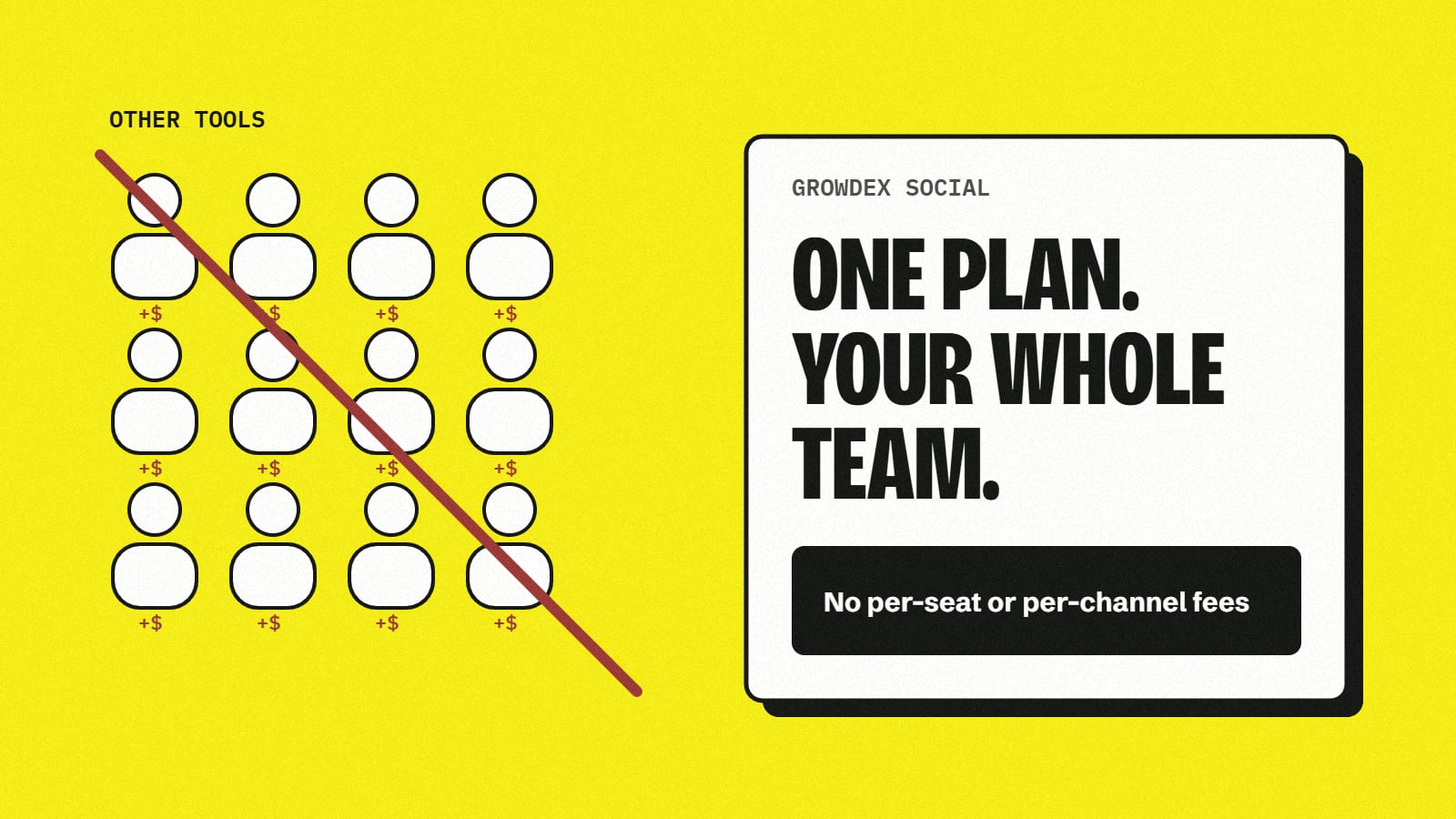
Approvals are included from the Team plan, which covers unlimited people, so adding a reviewer never adds to the bill.
A checklist to start with
- One place for drafts, with media attached.
- A named approver for every brand.
- Feedback on the draft, never in a separate chat.
- Numbered revisions, with the approved one locked.
- Only approved posts on the calendar.
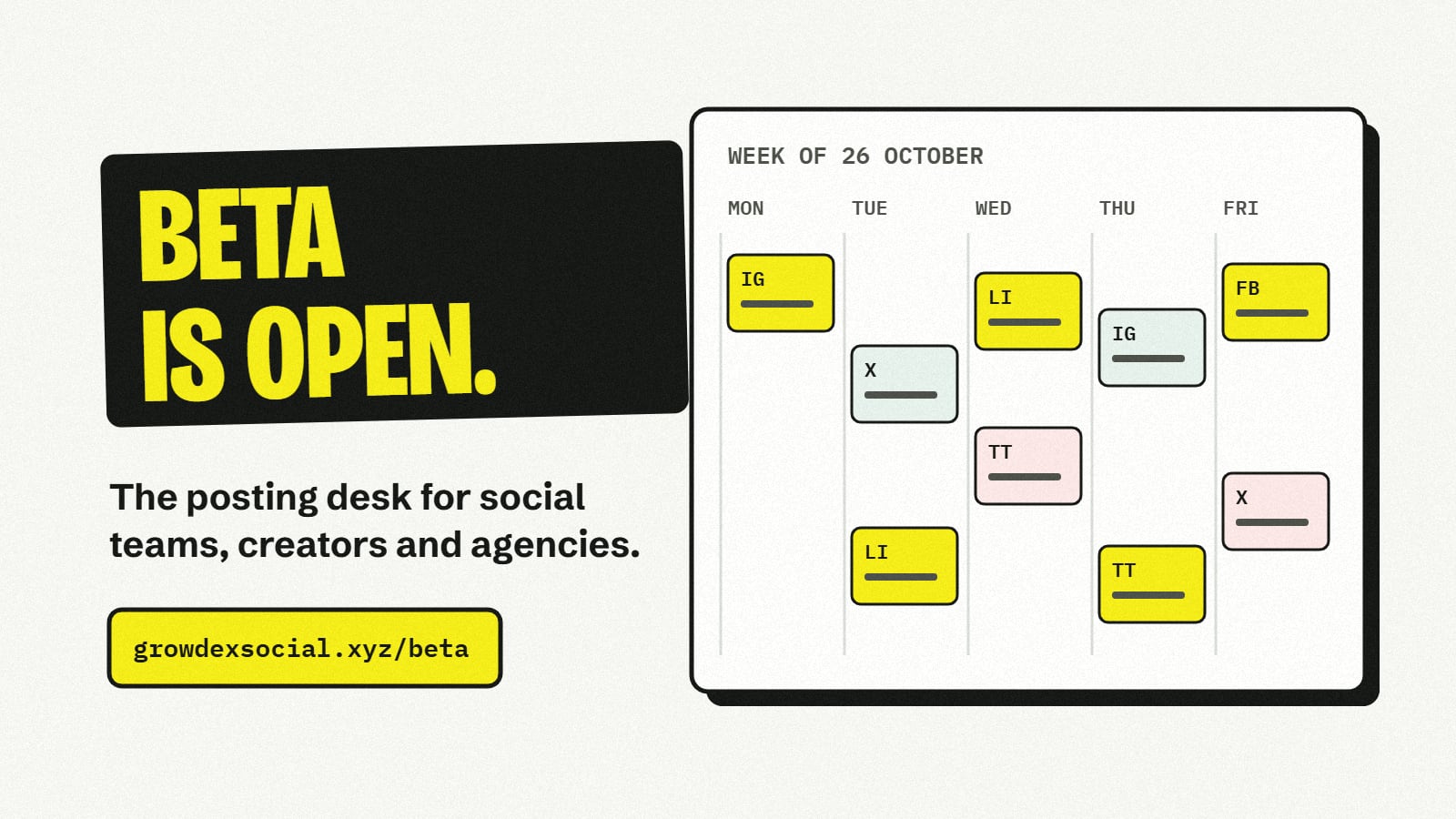
Want to try it with your team or your clients? Request beta access.